Laptop Sleeve Buying Guide: Measure the Computer, the Opening and the Bag
A screen size is a useful shop filter, but it does not describe the whole computer. Choose a sleeve by checking the actual device, the usable interior and the way you will carry it. This guide builds a fit specification before you compare colours or protective claims.
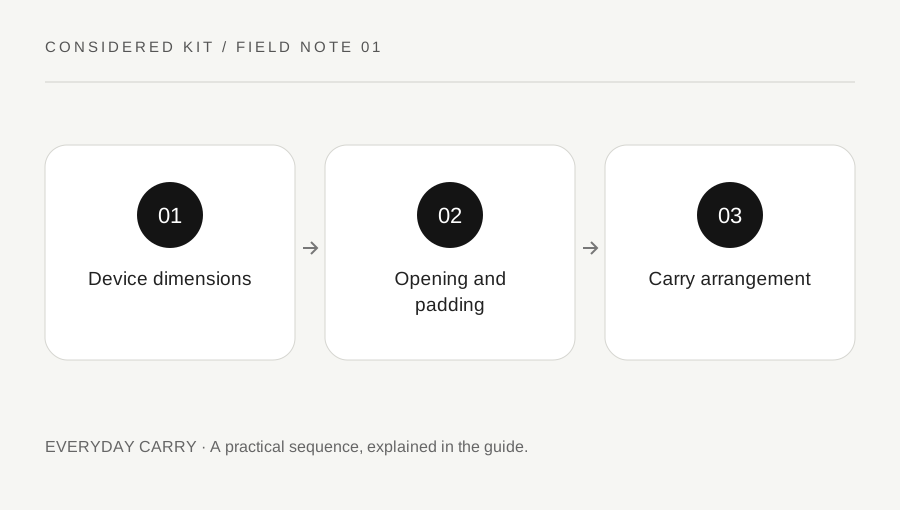
Original explanatory diagram. Examples illustrate a method or decision; they are not claims of personal testing.
Measure the object you will actually insert
Find the manufacturer’s dimensions for your exact laptop generation, then confirm its width, depth and closed thickness with a ruler if practical. Include a protective shell only if it normally stays attached. A nominal fifteen-inch screen does not make two computers the same shape. Rounded corners, feet and hinge bulges can matter when the fit is close.
Write the measurements in one unit beside the model name. Decide whether the sleeve is for the bare laptop alone or for a laptop plus a thin document. A charger pressed against the lid changes the job substantially; a separate accessory pocket is a different feature from spare space inside the padded compartment.
Read interior measurements and the entry route
Look for laptop compartment measurements rather than only external dimensions. Padding and seams occupy part of the outside size. Thule, for example, publishes device fit information for specific sleeves; that is more useful than assuming every item in a screen-size category is interchangeable. Ask the maker if the listing leaves the usable opening unclear.
An illustrative computer measuring 32 by 22 by 1.7 centimetres needs an interior and opening compatible with all three measurements. Do not turn that into a universal allowance formula: soft fabric, rigid cases and zipper shapes behave differently. A diagonal squeeze through a narrow opening can be awkward even when a broad interior seems large enough.
Match protection to a specific carry problem
Name the likely contact: a notebook edge inside a backpack, a crowded locker, or a short walk between meeting rooms. Compare padding location, edge coverage, closure and lining against that problem. A thin sleeve can separate surfaces; that does not establish a drop rating. Claims such as protective or rugged need a stated test and conditions before they become evidence of a particular performance.
Check whether the zipper or hard closure can rub against the device during insertion. Inspect corners and how the sleeve holds its shape when empty. A hard shell may be bulkier but easier to open on a desk; a soft sleeve may slide into a bag more readily. Neither construction is automatically preferable for every journey.
Check the sleeve inside the bag
Measure the bag compartment with its normal contents present. A sleeve that fits the computer may no longer fit the backpack pocket, and an overfilled pocket can make removal difficult. Check the whole route from bag opening to final position, including any retaining strap. Keep liquids in an appropriate separate arrangement rather than treating the sleeve as a waterproof barrier.
If you often work in a café, consider where the removed sleeve goes. A sleeve with an opening that lies flat might be convenient, but do not operate a laptop inside it unless both device and sleeve instructions explicitly support that use. A case that carries a computer is not necessarily a ventilated working surface.
Use a reversible fit check before keeping it
Read the seller return conditions before ordering and keep packaging while you check clean, ordinary fit. Insert and remove the closed laptop without forcing the zipper. The closure should move as intended, with no need to compress the lid or stretch the corners. Then try the sleeve in the bag using the normal load.
Make a short decision note: the device fits, the opening works, the bag still closes, and accessories have their own place. If one point is uncertain, resolve it with the manufacturer rather than buying a larger size by guesswork. This small record is also useful when a future computer replacement changes the required dimensions.
A practical checklist
Choices are saved in this browser. Reset them here or clear this site’s browser storage.
Questions that come up
Should I buy one size larger?
Only if the maker’s fit guidance and your carrying arrangement support it. Extra space can allow movement and does not guarantee better protection.
Is a sleeve waterproof?
Treat water resistance as a specific manufacturer claim with limits. A zipper and padded fabric do not establish waterproof protection.
Can I charge the laptop in the sleeve?
Use the device on a stable surface with appropriate ventilation and follow its handling instructions. Do not assume a closed carrying sleeve is suitable.
References & scope
Background references checked on 18 October 2026. Worked examples and diagrams are original teaching material.