Monitor Stand or Monitor Arm: Choose by Compatibility First
A monitor support is a compatibility decision before it is a styling purchase. The display, desk, mounting method, and intended adjustments must work together. This guide compares practical criteria without promising that a particular height or product will treat discomfort or suit every workstation.
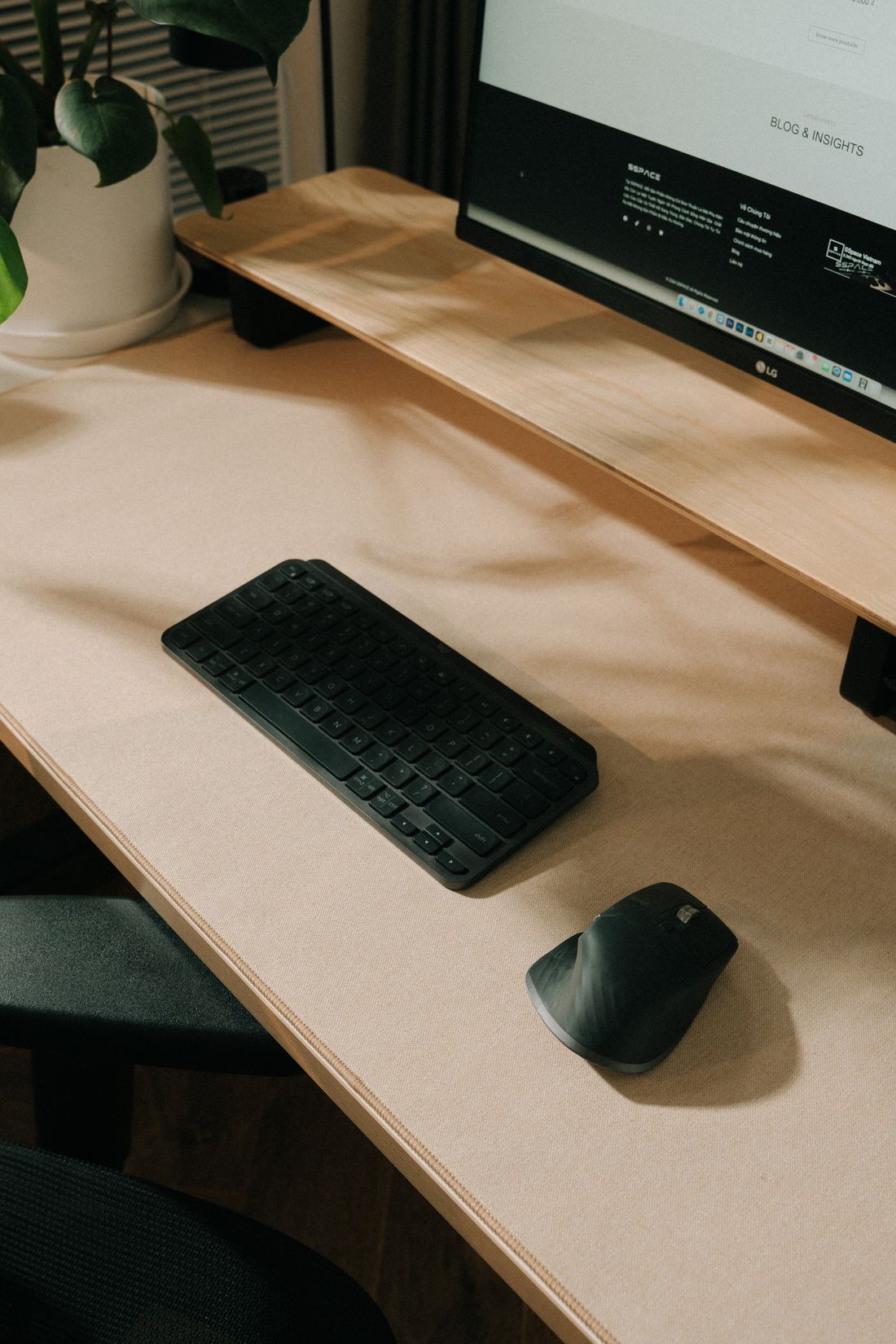
Photo: Alpha En · License. Illustrative stock photography.
Separate a riser from a replacement mount
A desktop riser supports the monitor on its existing base, while a replacement stand or arm usually attaches to the screen itself. These options require different measurements. For a riser, check the complete base footprint and supported load. For an arm, check the display's specified mounting arrangement and compatible hardware. Do not assume a product that fits the screen's advertised diagonal size will necessarily fit its weight, shape, or attachment details.
Record the exact display specifications
Find the exact model number and the manufacturer's mounting information. Check display weight in the configuration relevant to the mount, the mounting pattern, recessed areas, adapters, and any restrictions. Curved or unusually deep screens may need specific compatibility confirmation. Some supports have minimum as well as maximum weight limits for adjustment to work correctly. Treat a brand's compatibility tool as a useful check, then read the exact support's documentation before making the purchase.
Check the desk, not just the monitor
For a clamp, confirm desk thickness, material, usable edge, underside obstructions, and what the desk manufacturer allows. A hollow, glass, thin, or specially shaped surface may be unsuitable for a particular mount. A grommet mount has its own requirements and is not permission to drill the desk. For a riser, ensure every foot can rest securely on the usable surface. Do not solve a mismatch with improvised blocks or unapproved hardware.
Plan adjustment and collision space
Decide what movement you actually need: height changes, a small angle adjustment, screen rotation, or moving the display aside. Check the available range with the screen's size and shape, not just the arm's unloaded diagram. Include walls, shelving, another monitor, and the desk's working area. A long arm may need room behind the desk to fold. Choose enough adjustment for your routine without adding motion that repeatedly pushes cables or furniture into awkward positions.
Keep input tools and cables in the plan
A raised screen changes the relationship between the display and the rest of the desk. Check the keyboard, mouse, notebook, and any other tools together rather than selecting the support in isolation. Leave cable slack for the full intended motion and follow routing instructions. Do not pull a connector tight to complete an adjustment. A clean-looking workspace should remain easy to inspect, disconnect, and rearrange when equipment changes.
Assess assembly and ownership
Read the assembly instructions before ordering so you understand the tools, assistance, and compatible fasteners needed. Heavy or awkward equipment may require suitable help. Keep original monitor parts if you may restore its supplied base later. Review load limits, inspection guidance, warranty terms, and replacement hardware availability. If compatibility remains uncertain, ask the display and mount manufacturers directly rather than using a general online claim as proof that the combination is safe.
Your working checklist
Checkmarks stay in this browser when storage is available. They do not submit a form or complete a booking.
Put it into practice
- Identify whether you need a riser, replacement stand, or adjustable arm. Record the exact display model, base footprint where relevant, weight, and manufacturer-approved mounting details.
- Check the desk's material, thickness, edge access, and mounting restrictions. Compare the proposed product with both the desk and display requirements before judging its appearance or additional features.
- Map the desired screen movement and surrounding obstacles. Include cables, input tools, rear clearance, and any adjacent screen so the full working arrangement can be assessed together.
- Read the assembly and ownership documentation, arrange appropriate assistance if needed, and resolve uncertain compatibility with the manufacturers before purchase. Retain original parts and the final instructions for later checks.
Before you finish
- Exact display is identified
- Relevant weight range fits
- Mounting pattern is compatible
- Desk permits the method
- Full movement has clearance
- Cables retain safe slack
Common questions
Is the advertised screen size enough to confirm compatibility?
No. Weight, mounting pattern, depth, shape, desk details, and the mount's specific limitations also matter. Use the exact model information and check any required adapters or restrictions.
Can every desk take a clamp arm?
No. Material, construction, thickness, underside clearance, and manufacturer restrictions vary. Do not assume a clamp is suitable just because its jaws can physically close around the edge.
Will a monitor arm cure neck discomfort?
This guide makes no medical claim. A support changes screen position and workspace use, but comfort depends on the whole setup and individual needs. Persistent problems deserve appropriate individualized advice.