Keyboard Buying Guide: Layout, Connection and the Keys You Actually Use
A keyboard can look familiar in a photograph and still be wrong for your language, ports or daily shortcuts. Build a short compatibility and typing checklist before comparing switches, lighting or advertised battery life.
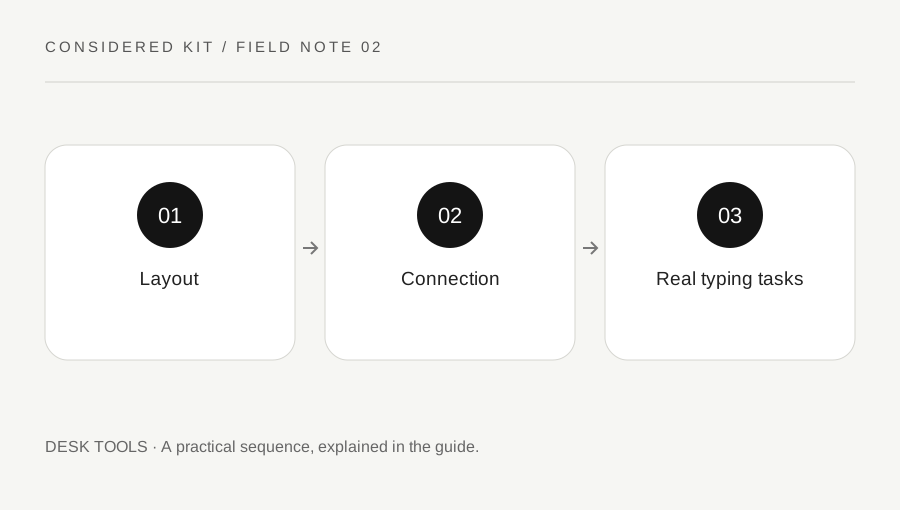
Original explanatory diagram. Examples illustrate a method or decision; they are not claims of personal testing.
List the tasks that need physical keys
Write down a normal hour of work: entering numbers, editing text, switching applications, using shortcuts or controlling media. Identify the keys you reach for without looking. A compact keyboard saves desk width, but a missing number pad or relocated navigation cluster can change a familiar task. Decide which change you are prepared to learn.
Separate essential keys from convenient extras. A spreadsheet user may value a number pad, while someone moving a mouse closer may prefer a narrower board. Neither choice proves a health benefit. Use your own task and workspace as the reason for the layout rather than treating a named keyboard size as a universal upgrade.
Check the regional layout and printed legends
Read the exact regional SKU, not just the product family. ANSI and ISO physical arrangements can differ, and the printed characters may not match the input language selected in the operating system. Logitech describes these physical layout distinctions in its official guidance. Check Enter, Shift, punctuation and any language-specific characters that matter to you.
For example, someone writing English and French may want easy access to accented characters through their existing input method. A photograph showing US legends does not answer whether the seller is shipping that version. Ask for the regional layout and a clear image of the actual variant before ordering a board that will be expensive to return.
Verify the whole connection chain
Choose among a cable, Bluetooth and a manufacturer receiver by checking the computer and intended setup. Confirm operating-system support, available ports, receiver type and whether the cable is for data, charging or both. A USB-C-shaped socket alone does not establish every capability. A managed work computer may also restrict pairing or configuration software.
If you plan to switch between a laptop and tablet, check how many devices the exact keyboard supports and how switching works. Do not assume a receiver from another model is compatible. Keep the product manual with your comparison notes; it should explain pairing and supported connection modes more clearly than a short retailer headline.
Try a small sample of real work
Where a shop or return policy allows, type a representative paragraph containing capitals, punctuation and the shortcuts you use. Add a few numbers and navigation actions. Check whether the key labels remain readable from your usual position and whether the board moves on the desk. Noise matters in shared rooms, but a switch label is not a recording of the finished keyboard.
An illustrative comparison might use the same fifty-word email on two candidates, followed by a minute of spreadsheet entry. Record concrete observations such as repeated missed punctuation or difficult device switching. A brief trial cannot establish long-term comfort, but it can reveal an immediate mismatch that attractive specifications conceal.
Include maintenance and fallback access
Check charging requirements, replaceable-battery arrangements and any stated service options. Wireless battery-life estimates depend on the maker conditions, such as lighting and use; do not treat them as a promise for your own schedule. Decide how you will continue working if the battery runs low or a receiver is misplaced.
Look up cleaning instructions before assuming caps can be removed or liquid cleaners used. Save the manual and the selected layout in your purchase note. Finish with three requirements that must pass and two preferences you can compromise on. This keeps a promotion or a decorative feature from replacing the compatibility checks that make the keyboard useful.
A practical checklist
Choices are saved in this browser. Reset them here or clear this site’s browser storage.
Questions that come up
Does Bluetooth work with every computer?
No. Check the exact keyboard support list and the computer hardware, operating system and workplace restrictions.
Will another brand receiver work?
Do not assume so. Receiver compatibility can be limited to a specific manufacturer system and supported models.
Is a mechanical keyboard always better?
That is a preference rather than a universal result. Layout, sound, feel, connection and your actual tasks deserve separate checks.
References & scope
Background references checked on 18 October 2026. Worked examples and diagrams are original teaching material.